8171 SMS Not Working Solution
The 8171 SMS service is a vital communication bridge for millions of beneficiaries of the Benazir Income Support Programme in Pakistan. It allows low-income families to check their eligibility and payment status for the BISP Kafaalat Program directly from their mobile phones.
However, many citizens frequently face issues where the 8171 SMS service stops working, gives delayed replies, or fails to send any response at all. These technical issues can create confusion for deserving families waiting for financial assistance.
Fortunately, the Government of Pakistan has introduced alternative official methods that allow beneficiaries to verify their status without depending only on SMS services.
Why the 8171 SMS Service Stops Working
There are several common reasons why users may not receive a response from 8171. Understanding these causes can help you choose the correct solution quickly.
Network & Server Congestion
During quarterly payment releases, millions of beneficiaries send messages to 8171 at the same time. This heavy traffic can temporarily overload the system servers, resulting in delayed or failed responses.
Insufficient Mobile Balance
Although the service is subsidized, some mobile networks still require a minimum balance of Rs. 1–2 to send premium shortcode messages. Without balance, your SMS may fail instantly.
Expired CNIC or NADRA Verification Issues
If your Computerized National Identity Card (CNIC) has expired or your information is under verification with National Database and Registration Authority, the system may not process your request properly.
SIM Card Registration Mismatch
The mobile number used to send the SMS should ideally be registered under the same CNIC you are checking. A mismatch can sometimes prevent successful verification.
Temporary Mobile Network Problems
Sometimes the issue is caused by your mobile operator’s network outage or technical maintenance. In such cases, waiting a few hours and retrying may solve the problem.
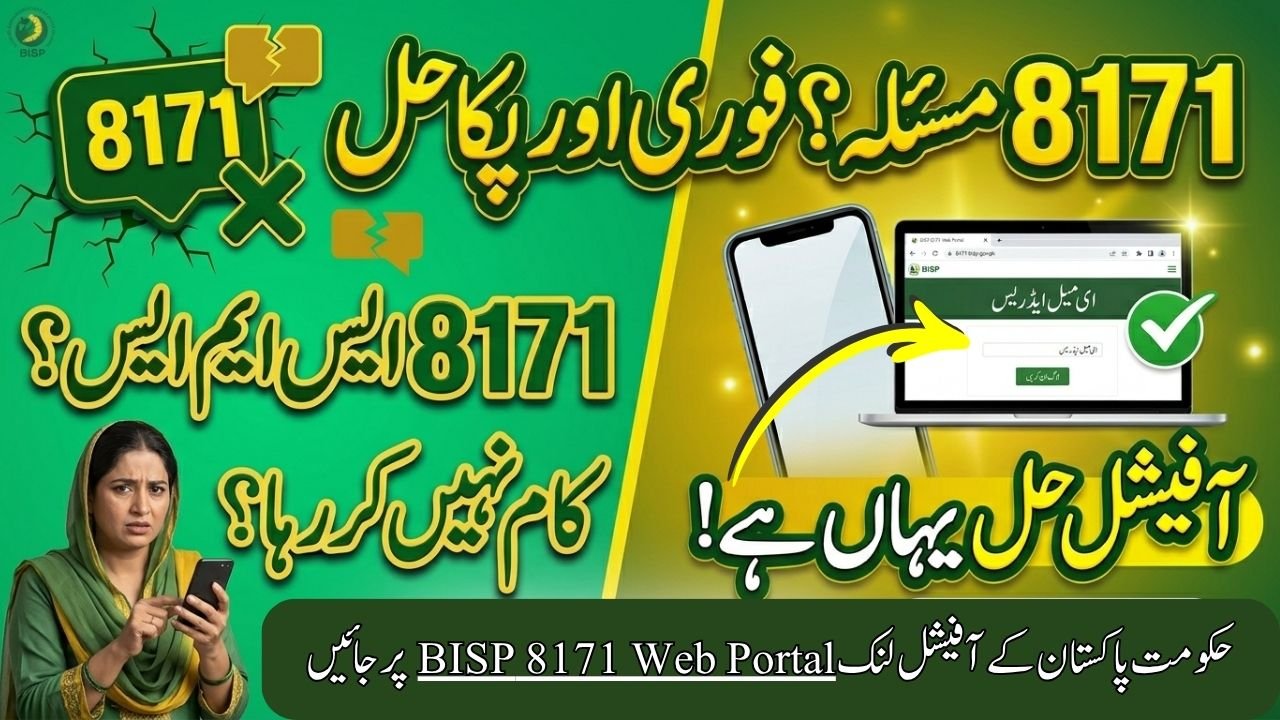
Official Solution: Use the 8171 Web Portal
When the SMS service experiences technical issues, the most reliable alternative is the official online BISP tracking portal. This method is completely free and provides instant eligibility information.
You can check your eligibility, payment details, and registration status through the
official portal: BISP 8171 Web Portal
How to Check BISP Status Online
Follow these simple steps to verify your status online:
Step 1: Open the Official Portal
Launch your mobile browser or computer browser and visit the official BISP 8171 portal.
Step 2: Enter Your CNIC Number
Type your 13-digit CNIC number carefully without spaces or dashes.
Step 3: Complete Captcha Verification
Enter the captcha/security code displayed on the screen to confirm you are a real user.
Step 4: Click “Maloomaat Karen”
Press the “Maloomaat Karen” button to instantly view your eligibility and payment information.
Quick Troubleshooting Matrix
| Issue Encountered | Possible Cause | Official Solution |
|---|---|---|
| No reply from 8171 | Server overload or no balance | Recharge mobile SIM or use web portal |
| Message sending failed | Premium shortcode SMS blocked | Contact mobile operator helpline |
| Record not found | Expired CNIC or incomplete survey | Visit nearest BISP Tehsil Office |
| Status under verification | NADRA data verification pending | Wait 7–15 days and check again |
| Incorrect household details | NSER survey incomplete | Update information at BISP center |

Other Official Ways to Check BISP Status
If both SMS and online portal are unavailable, you can still use other government-approved methods.
Visit Your Nearest BISP Tehsil Office
Beneficiaries can physically visit the nearest BISP Tehsil Registration Center for assistance. Carry the following documents:
- Original CNIC
- Children’s B-Form (if applicable)
- Registered mobile number
The staff can manually check your status and update your records if necessary.
Call the Official BISP Helpline
You may also contact the official BISP helpline for guidance regarding eligibility, payment delays, or verification issues.
Important Tips to Avoid 8171 SMS Problems
Keep Your CNIC Updated
Always renew your CNIC before expiry to avoid verification issues with NADRA records.
Use Your Own Registered SIM
Try to send messages using a SIM card registered in your own name and linked to your CNIC.
Complete the NSER Survey
Families who have not completed the NSER dynamic survey may face repeated verification issues. Visit the nearest BISP office if your data is incomplete.
Avoid Fake Websites & Agents
Only use official government portals and offices. Never share your CNIC or personal information with unauthorized agents or unofficial websites.
Frequently Asked Questions (FAQs)
Q1: Is checking BISP status online free?
Yes. Checking eligibility through the official 8171 web portal is completely free.
Q2: What does “Under Verification” mean?
This status means your data is currently being verified with NADRA records. The process usually takes 7–15 days.
Q3: Can I register for BISP online?
No. New registration is not available online. Applicants must visit a BISP Tehsil Office to complete the NSER survey.
Q4: How much balance is needed to send SMS to 8171?
Most networks require a small balance of around Rs. 1–2 to send the message successfully.
Q5: What should I do if my CNIC is expired?
You should immediately renew your CNIC through National Database and Registration Authority before checking your BISP status again.
Final Words
The 8171 SMS service is designed to help deserving families quickly access information about their BISP payments and eligibility. However, technical issues such as server overload, SIM mismatches, or expired CNIC records can sometimes interrupt the process.
Thankfully, the Government of Pakistan provides official alternatives like the online 8171 portal, BISP Tehsil Offices, and helpline services to ensure beneficiaries can still access their information without unnecessary delays. Always use official government channels and keep your records updated to avoid future problems.